
Get in touch!
Reach out through our intelligent chat system, designed to give you quick, accurate answers. Need more help? Our friendly support team is always ready to assist!

This takes several minutes. The results will appear here, so you can leave and come back later.
Please answer the questions above in the chat, and the check continues from there.
Saving…
Couldn't save your email preference. Please try again.
Livia
Support
This chat has ended. You can't send new messages here.
Get notified when support replies, even if this tab isn't open.
General Q&A
Want to learn more about our service? Check out our most frequently asked questions here.
Can I try Drop & Render before spending money?
How fast is Drop & Render and how many machines will work on my project?
How much does it cost to use a render farm?
What is a render farm and how does it work?
Which 3D software and render engines does Drop & Render support?
Pro series & Manuals
For more advanced tool usage, check out our video tutorials! They’ll help you streamline your workflow and save up to 30% on both credits and render times.
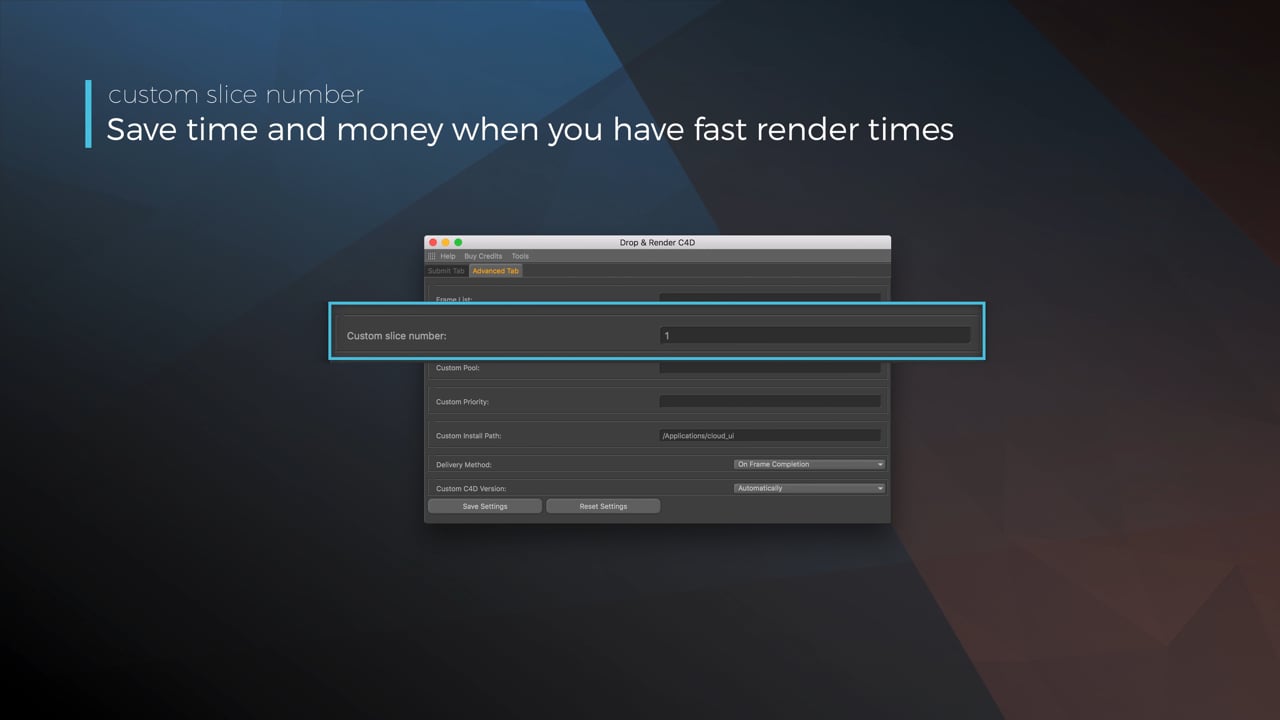
Optimize your render with a Custom Slice Number
Using a custom slice number lets one machine render multiple frames while only initializing your project once, saving up to 30% in both render times and costs. Works especially well on faster renders!
Understanding render priorities
Our priority system has three levels: Sapphire, Emerald and Diamond. The higher the priority, the faster new machines can start working on your projects!
Connect your entire office to Drop & Render
We offer a robust system for a team of artists to work together. You can monitor and download one another's work efficiently, all without having to disturb them!
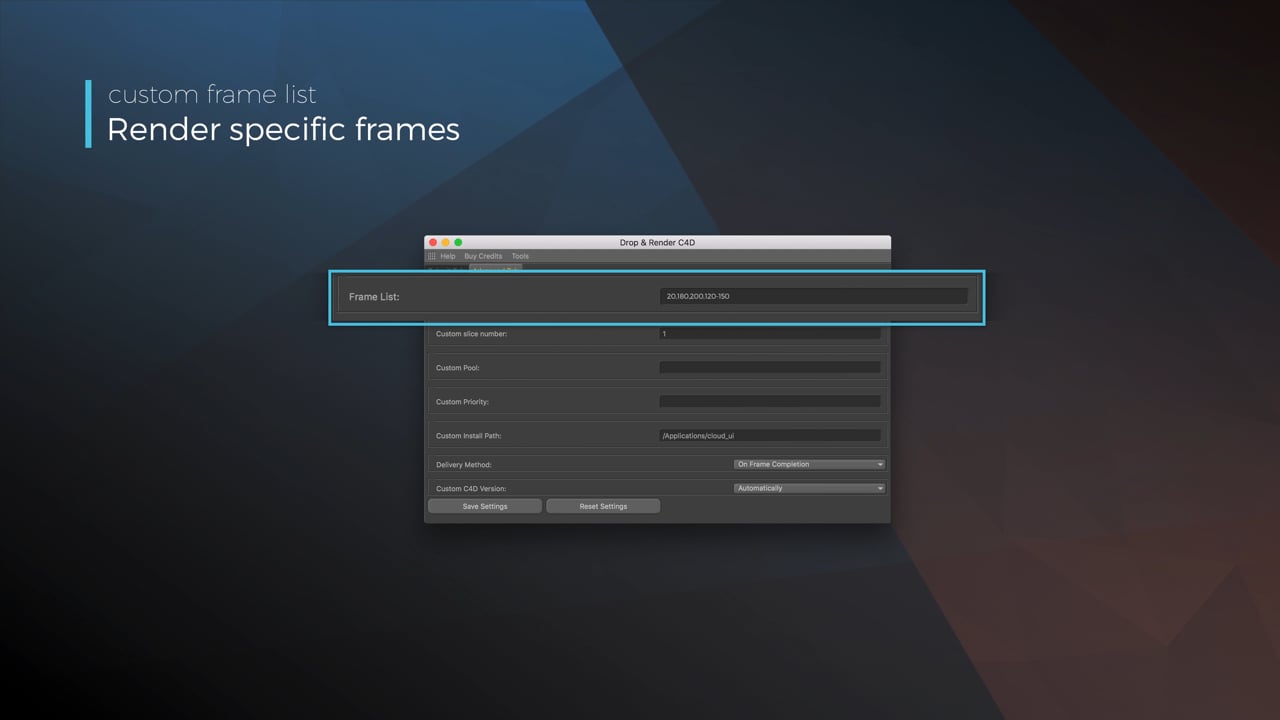
Submit a custom frame range to the farm
Only need to render a sequence of your project, or need to see a couple of specific frames? You can set custom frame lists from right within our plugin!
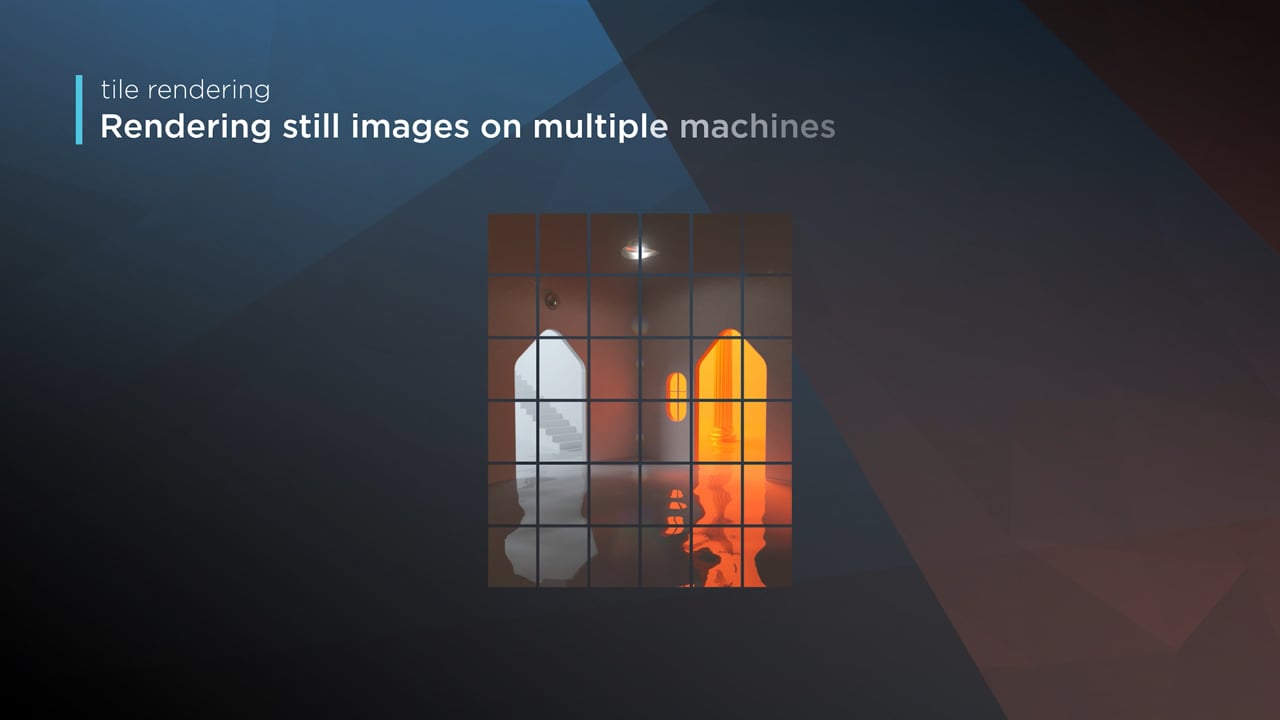
Render large still frames with Tile Rendering
Tile rendering splits a single frame amongst multiple machines, letting them work on it at the same time. Each tile is then seamlessly stitched back and delivered as a single frame!
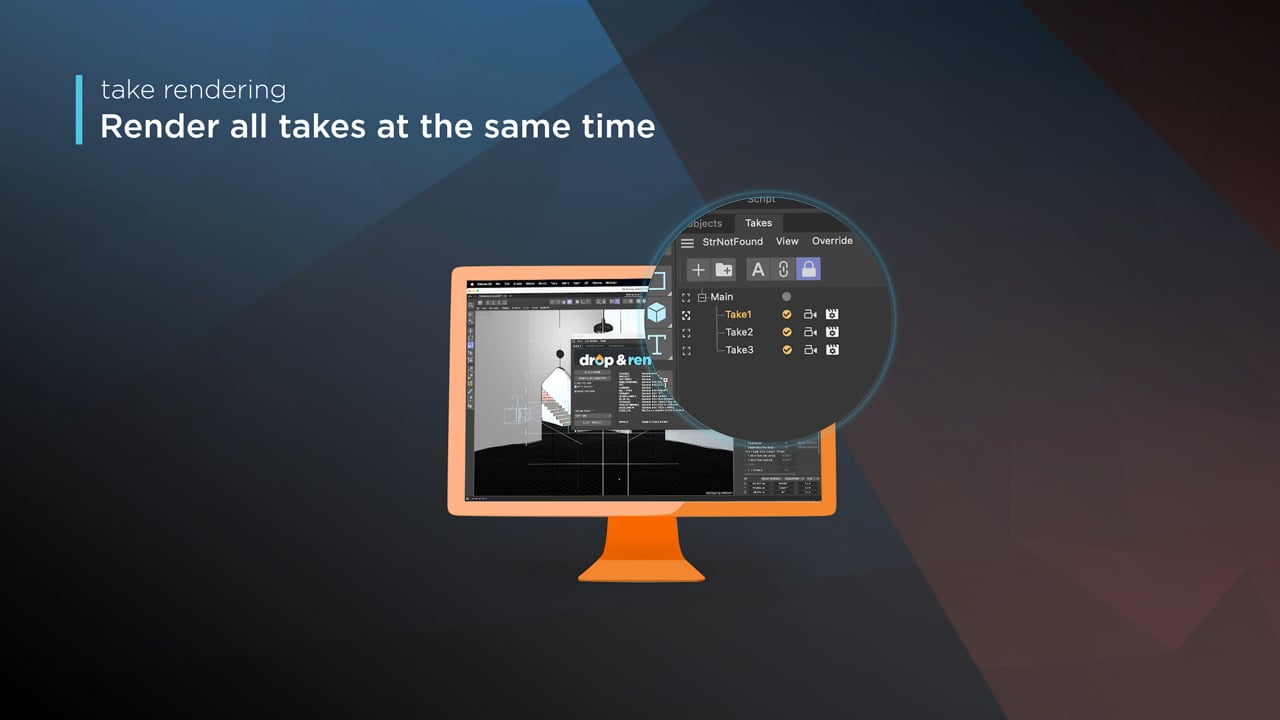
Cinema 4D Take Rendering support
Our farm includes native support for Cinema 4D's 'Takes' feature, letting you upload all your project's variations in a single click!
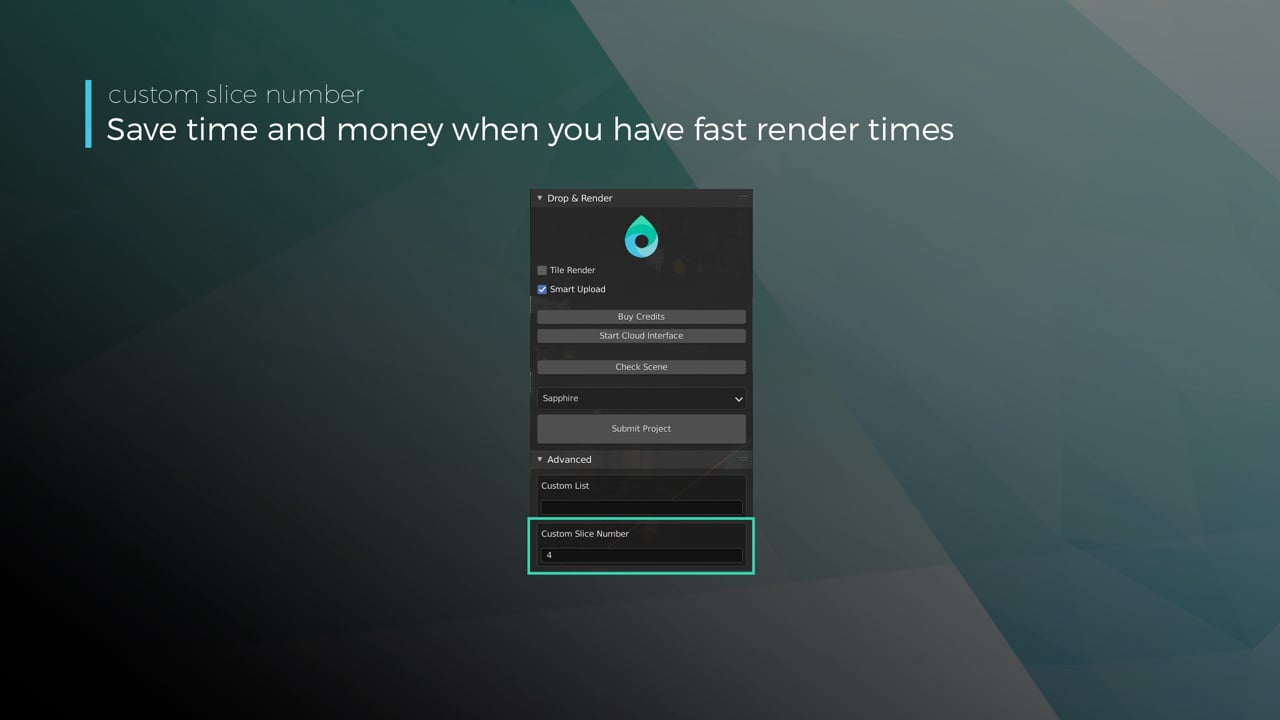
Optimize your render with a Custom Slice Number
Using a custom slice number lets one machine render multiple frames while only initializing your project once, saving up to 30% in both render times and costs. Works especially well on faster renders!
Understanding render priorities
Our priority system has three levels: Sapphire, Emerald and Diamond. The higher the priority, the faster new machines can start working on your projects!
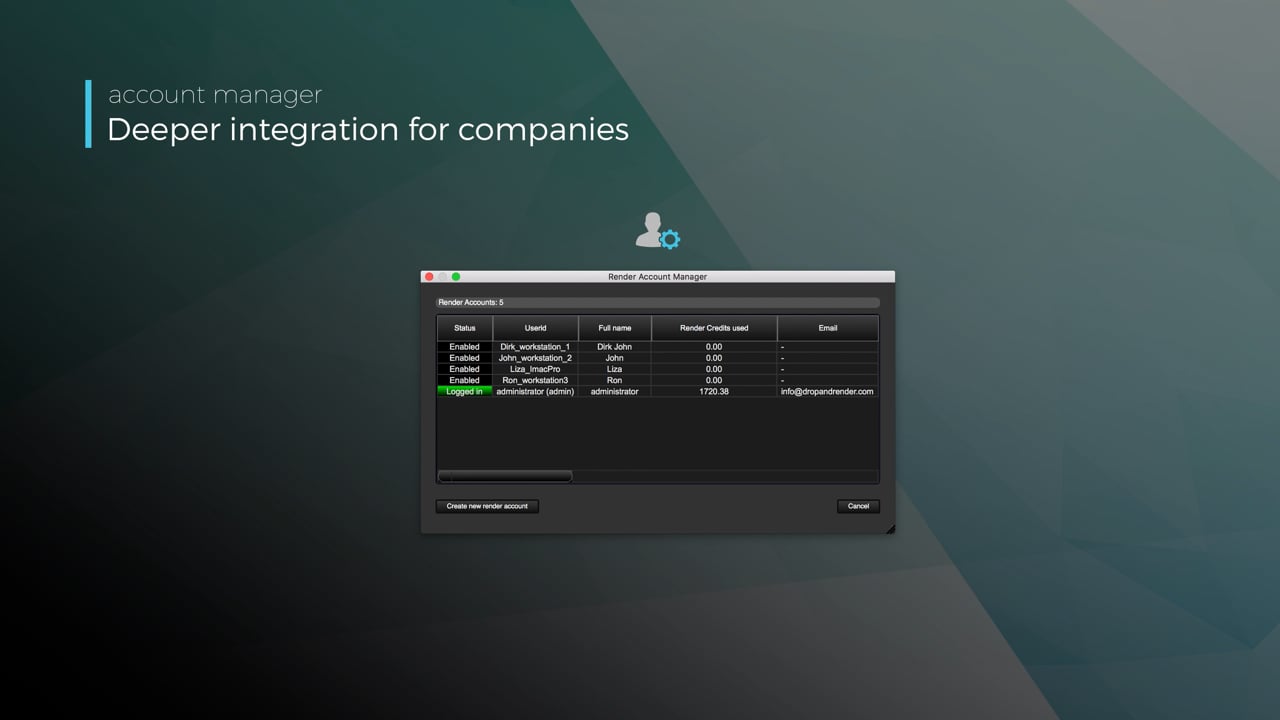
Connect your entire office to Drop & Render
We offer a robust system for a team of artists to work together. You can monitor and download one another's work efficiently, all without having to disturb them!
Submit a custom frame range to the farm
Only need to render a sequence of your project, or need to see a couple of specific frames? You can set custom frame lists from right within our plugin!
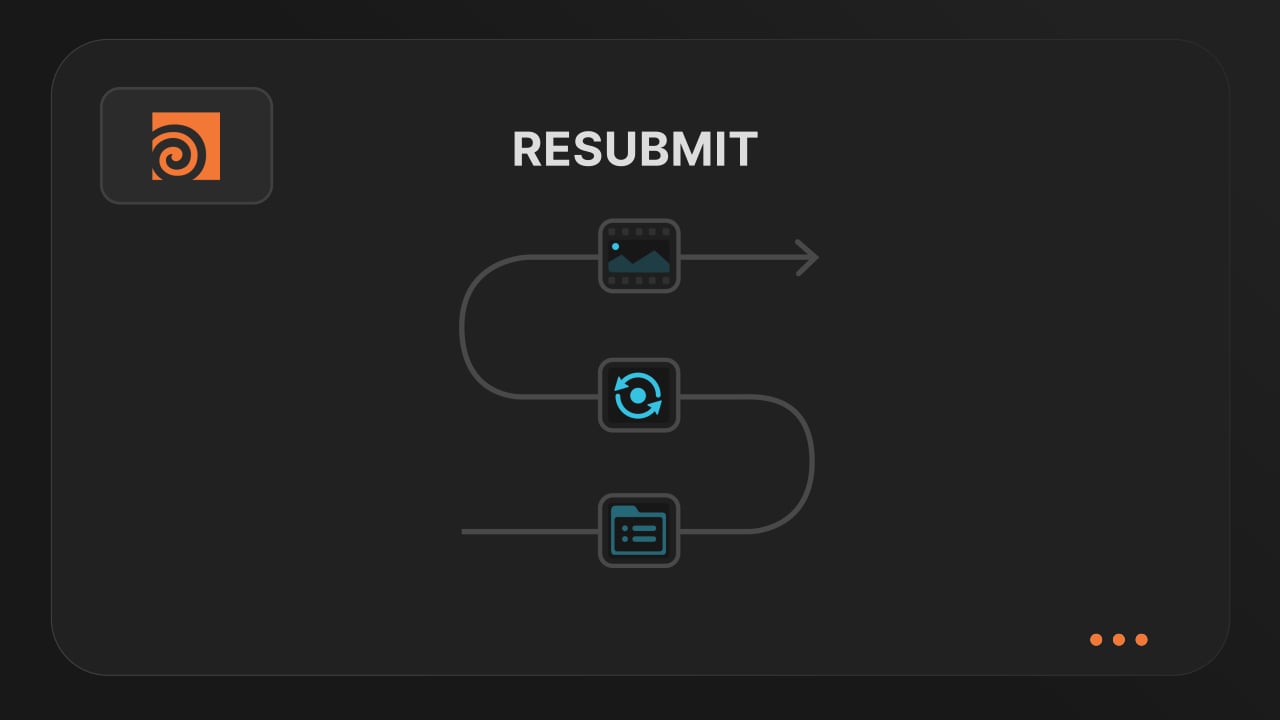
Resubmit workflow
Test a few frames first, then resubmit with updated settings straight from the dashboard. Drop & Render reuses caches and dependencies automatically, so you can focus on the final result.
Connect your entire office to Drop & Render
Invite teammates, assign roles, and keep everyone in sync. Share assets, download results, and work together on the same projects without missing a beat.
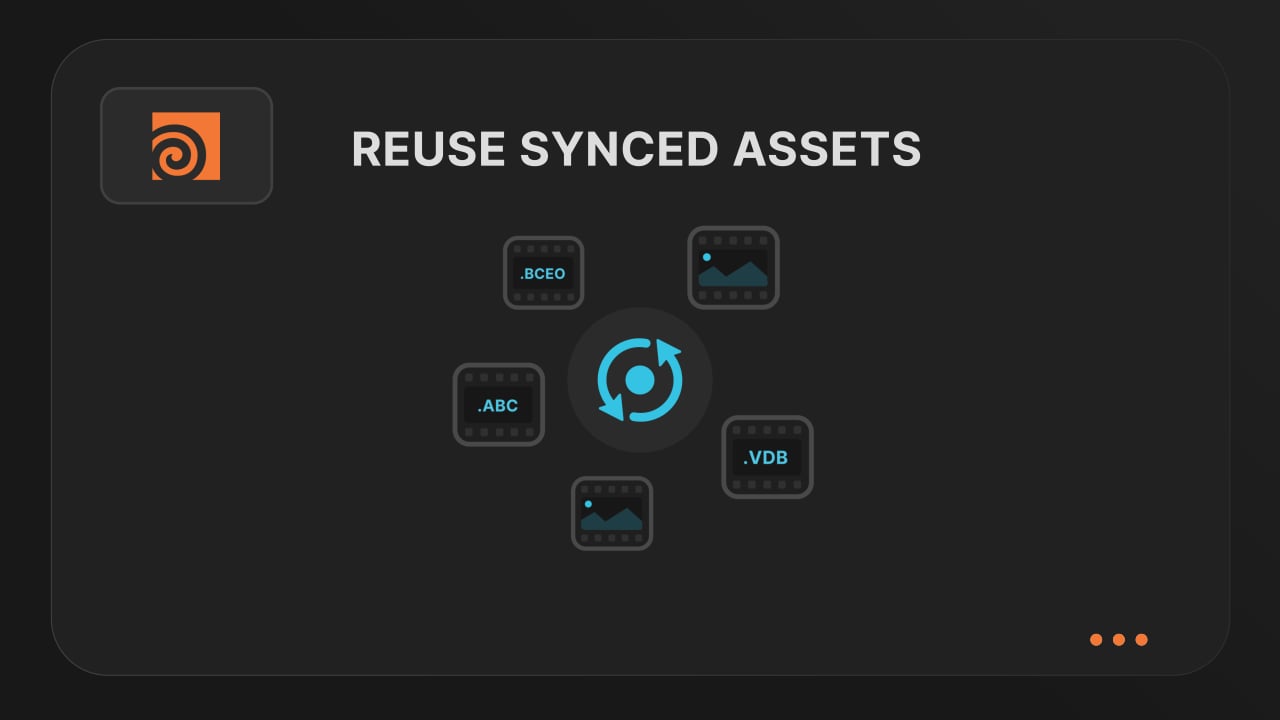
Save time & bandwith by reusing synced assets
Reuse large caches stored on our render farm without downloading them again. A powerful way to save time and bandwidth in your Houdini render workflow.
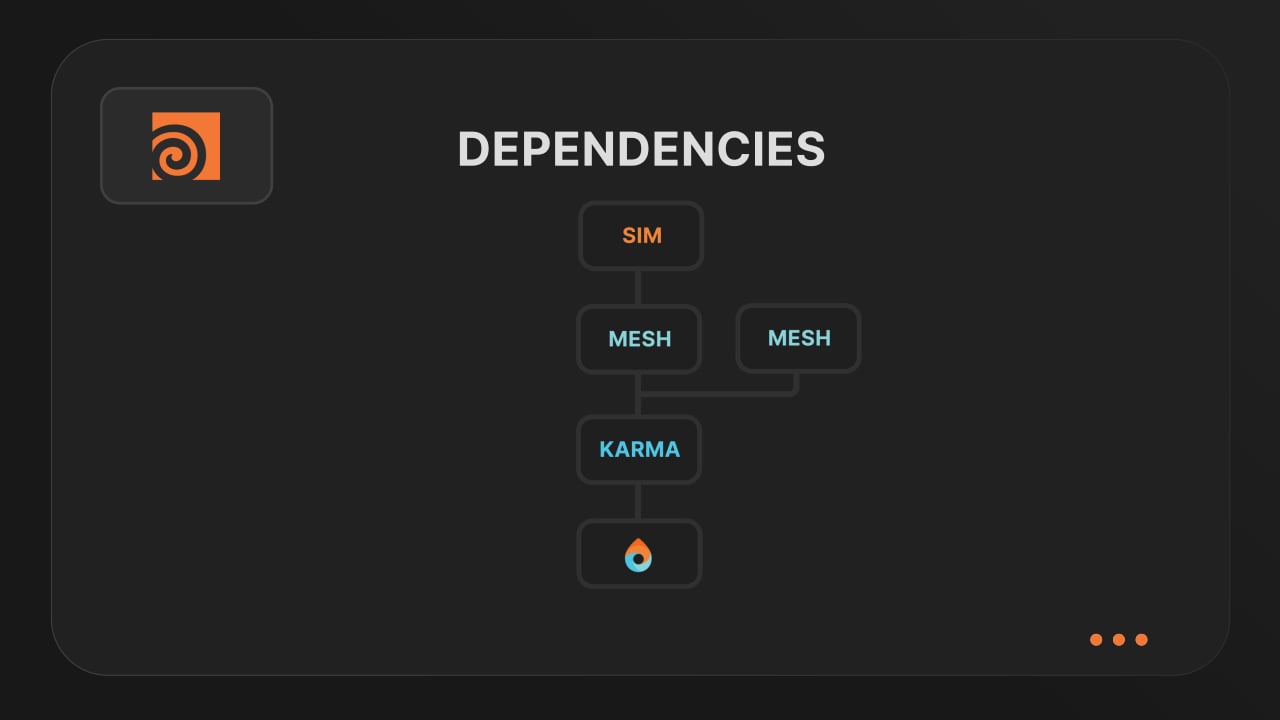
Understanding render dependencies
Chain your Houdini nodes the way you like and let Drop & Render handle the order. From parallel jobs to complex dependencies, the HDA adapts to your workflow so everything renders in the right order.
Customizing your global and per-render settings
Fine-tune your render jobs directly in the HDA. Set frame ranges, test specific frames, and assign priority so you get the results you want, when you need them.
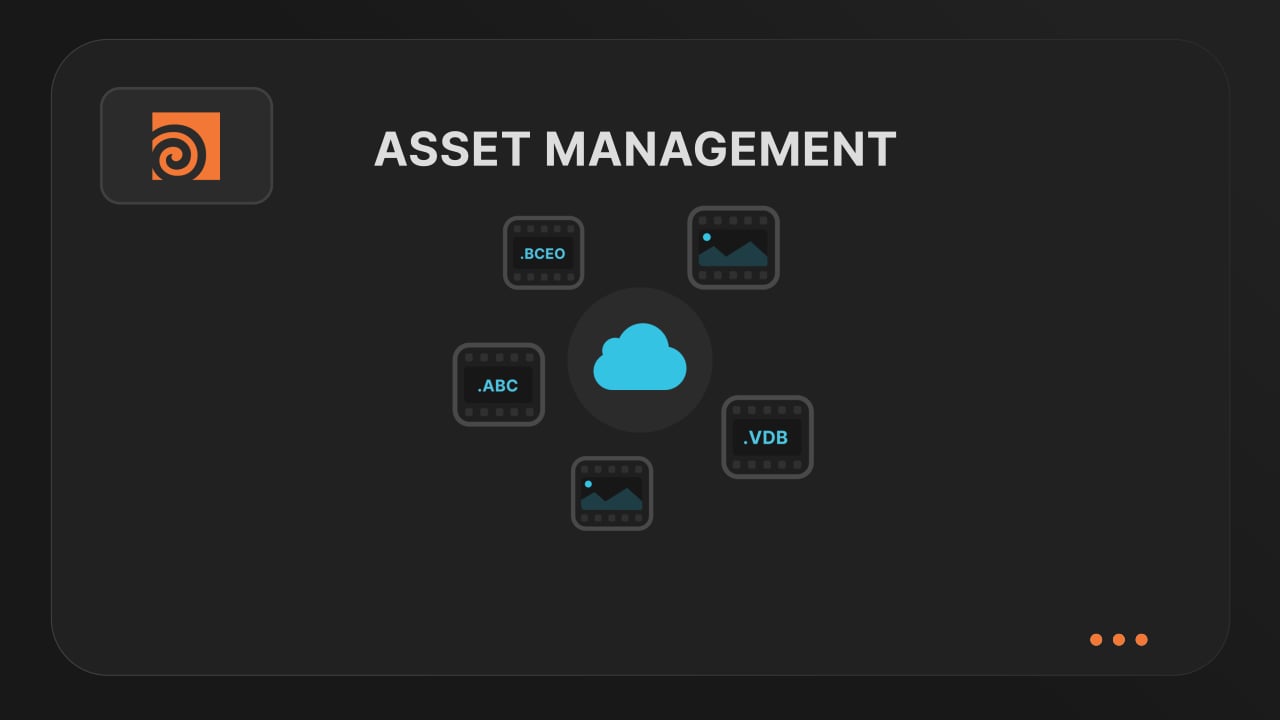
Understanding asset management
Our asset manager scans your scene and handles all path remapping automatically. Quickly add missing files, skip already-synced assets, and keep uploads fast and hassle-free.
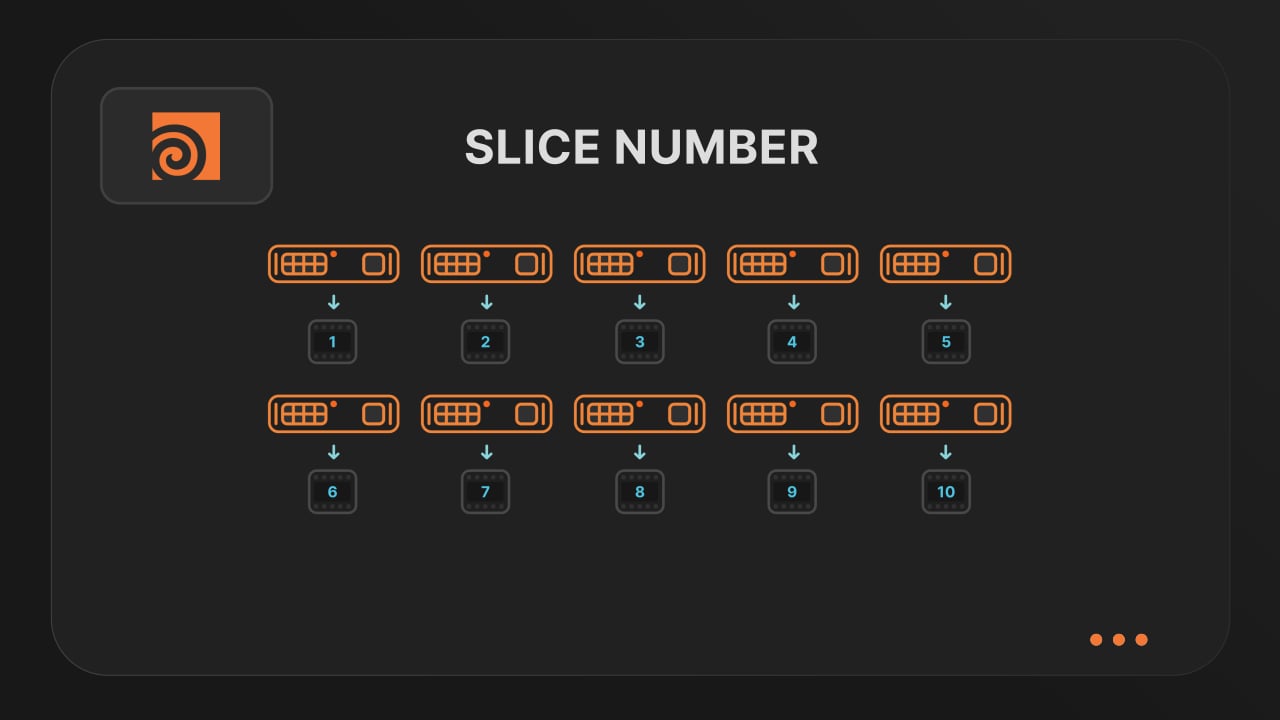
Optimize your render with a Custom Slice Number
Speed up rendering by setting the right slice value. Reduce overhead, save credits, and get more out of our Houdini render farm.
Cooking PDG projects
Drop & Render fully supports PDG workflows. Find out how to use TOP networks on our render farm.
Blog
Stay updated with the latest tips, tricks, and insights to optimize your rendering process and boost your productivity.
@la_barbed
Flamenco Render Farm: Send Blender Jobs to the Cloud
Send Blender jobs from Flamenco 3 to Drop & Render, keep local workers and receive frames on shared storage. Try the workflow with €25 free render credits.
2026-11-03
Blender
@sweeper3d
A Houdini render workflow your whole studio can use
Keep Houdini projects moving from FX to lighting and comp. Share farm assets, submit connected jobs and deliver the outputs your team needs.
2026-10-30
Houdini
@shakilanil1
Meet Drop & Render Link: Render Farm Power, Your Usual Workflow
Meet Drop & Render Link: submit from Cinema 4D, Blender or Houdini, transfer files up to 5x faster and get finished frames automatically.
2026-10-28
Announcements


Supported software
Pipeline
Company details
Confirm