

Have a question?
Check out our most frequently asked questions here. If your answer isn't here, feel free to contact our support!
"Already logged in" message
Animated textures
Are Octane Proxies supported on the render farm?
Are Octane Render Passes supported on the render farm?
Are Octane VDB volumes supported on the render farm?
Are Redshift AOVs fully supported on the render farm?
Are Redshift Proxies supported on the render farm?
Can Drop & Render employees see my project files?
Can I monitor my Blender renders from my phone or do I need to stay at my workstation?
Can I run Houdini simulation caching on a render farm?
Can I run Houdini simulations and render with Karma in the same submission?
Can I sign a custom NDA before submitting confidential Blender project files?
Can I submit Houdini jobs from SOPs, ROPs, or LOPs?
Can I submit jobs using SOPs, ROPs, or LOPs?
Can I submit Karma jobs from LOPs, ROPs, or SOPs?
Can I submit multiple render jobs at once?
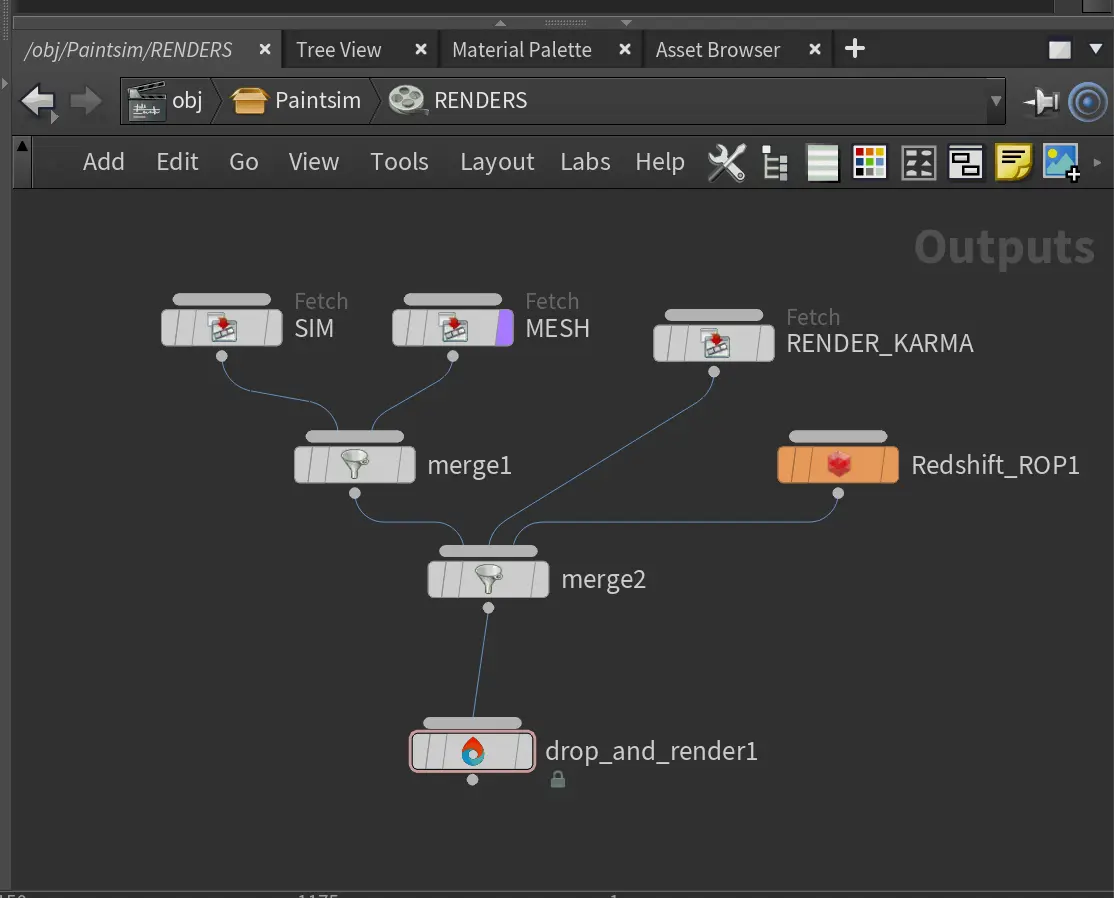
Can I track my render progress in real time?
Can I try Drop & Render before spending money?
Can I try the render farm before spending money?
Can I use environment variables in my Houdini projects?
Can I use my own HDAs on the farm?
Can multiple artists in our studio use the same Drop & Render account for Blender rendering?
Can multiple artists in our studio use the same Drop & Render account?
Cryptomatte rendering with Octane
Cryptomatte rendering with Redshift
Custom Plugin Version
Custom Pool
Do I need a Houdini or Karma license to render on the farm?
Do I need my own Houdini licence?
Do I need my own Octane license to render on the farm?
Do I need my own Redshift license to render on the farm?
Do I need to buy extra software licenses to render on the farm?
Do I need to manually collect my Blender assets or remap file paths before submitting?
Do I need to manually collect my Cinema 4D assets or remap file paths before submitting?
Do my render credits expire?
Do my render credits expire?
Do you charge extra for teams?
Do you offer an NDA for sensitive projects?
Do you offer discounts for larger credit purchases?
Do you offer solutions for teams and studios?
Do you provide storage between renders?
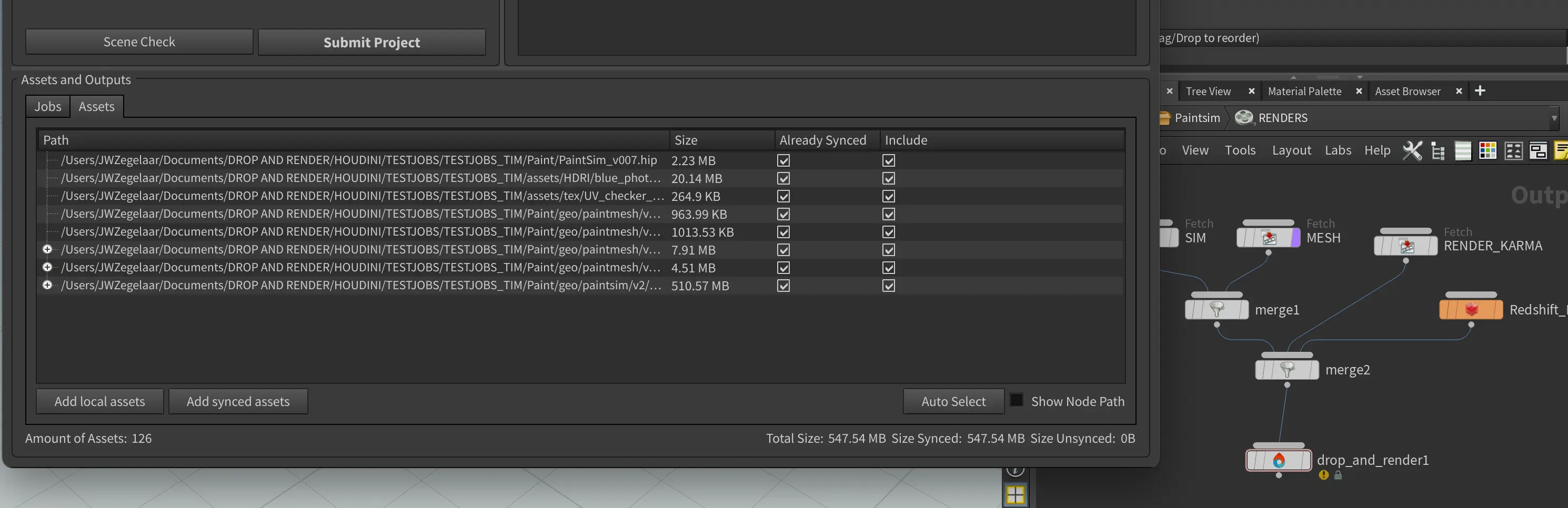
Do you support simulation caching?
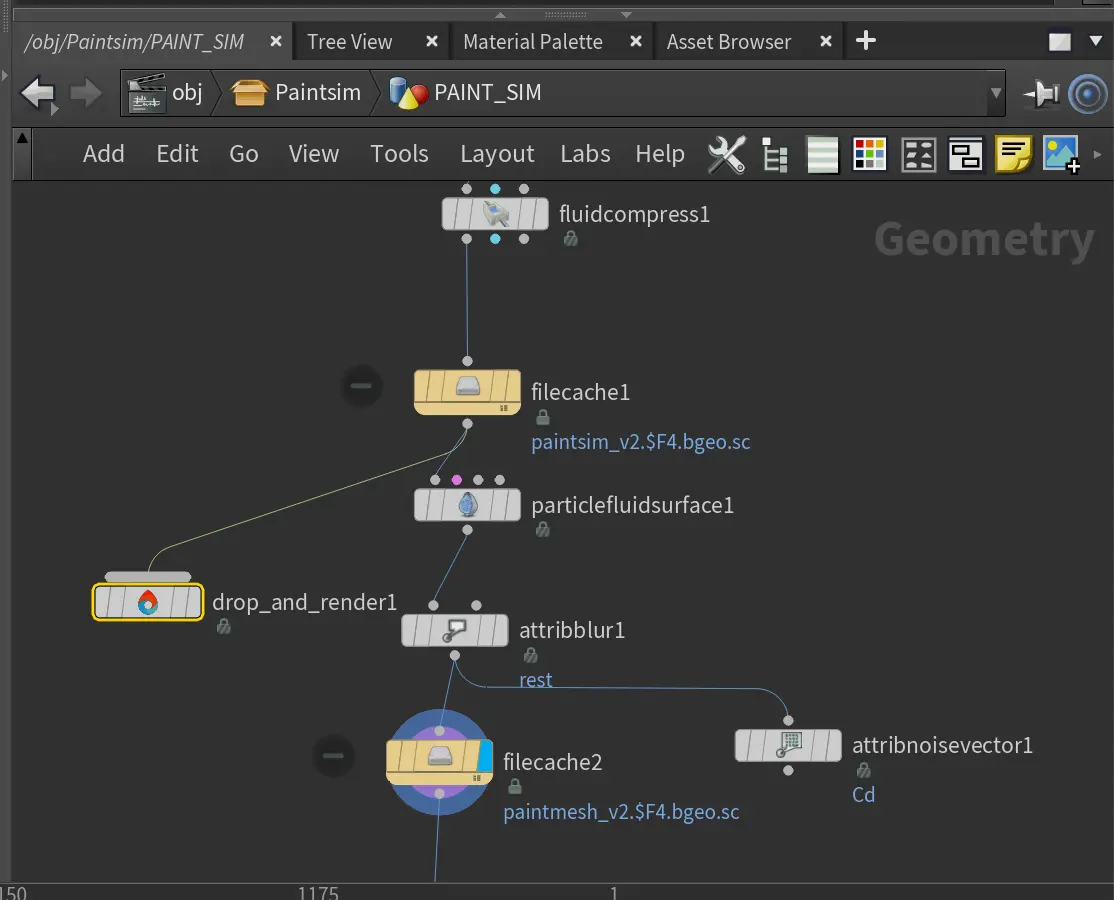
Do you support Solaris/USD workflows?
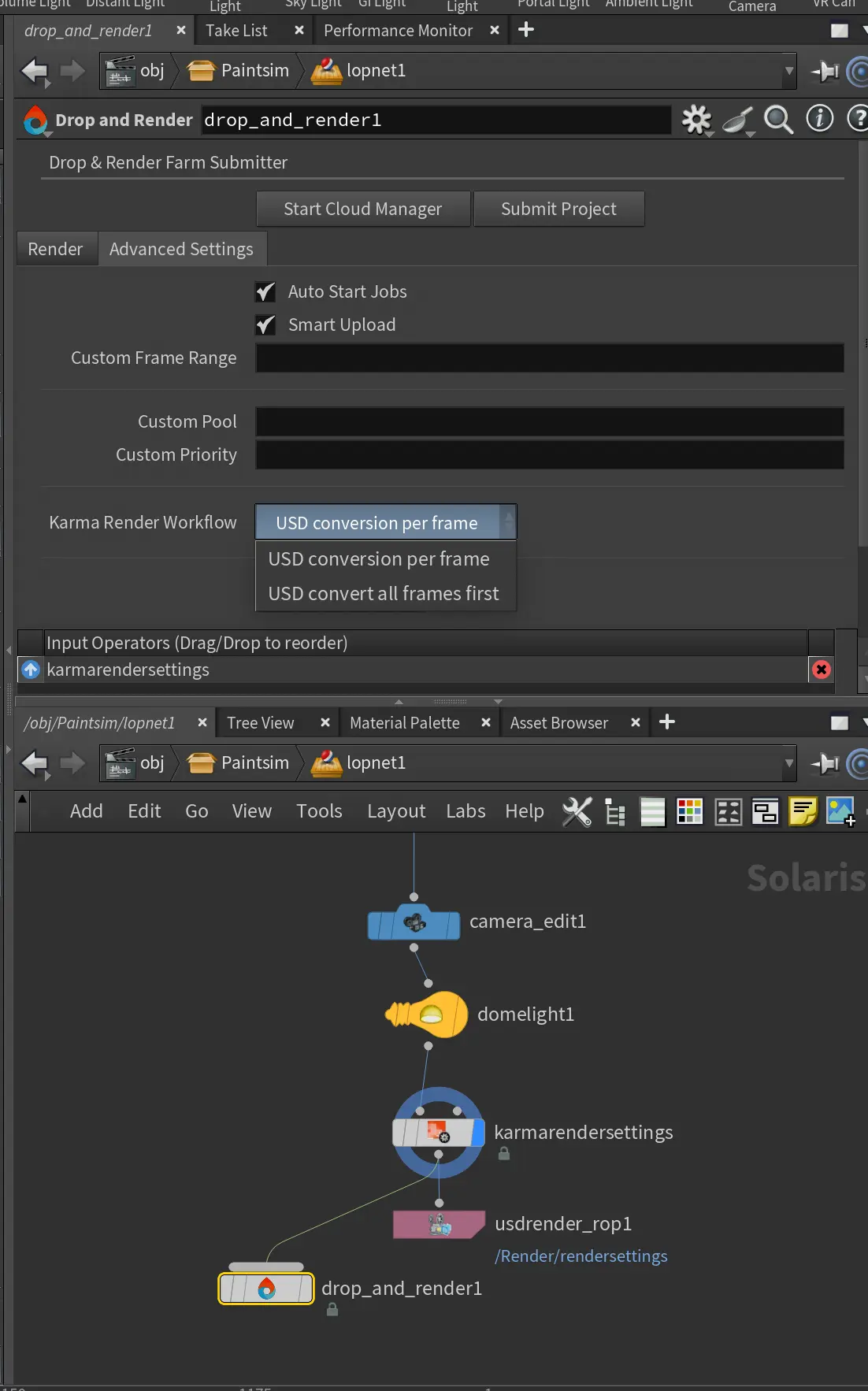
Does Drop & Render support both Karma CPU and Karma XPU?
Does Drop & Render support Karma rendering with Solaris and USD?
Does the render farm automatically match my exact Redshift version?
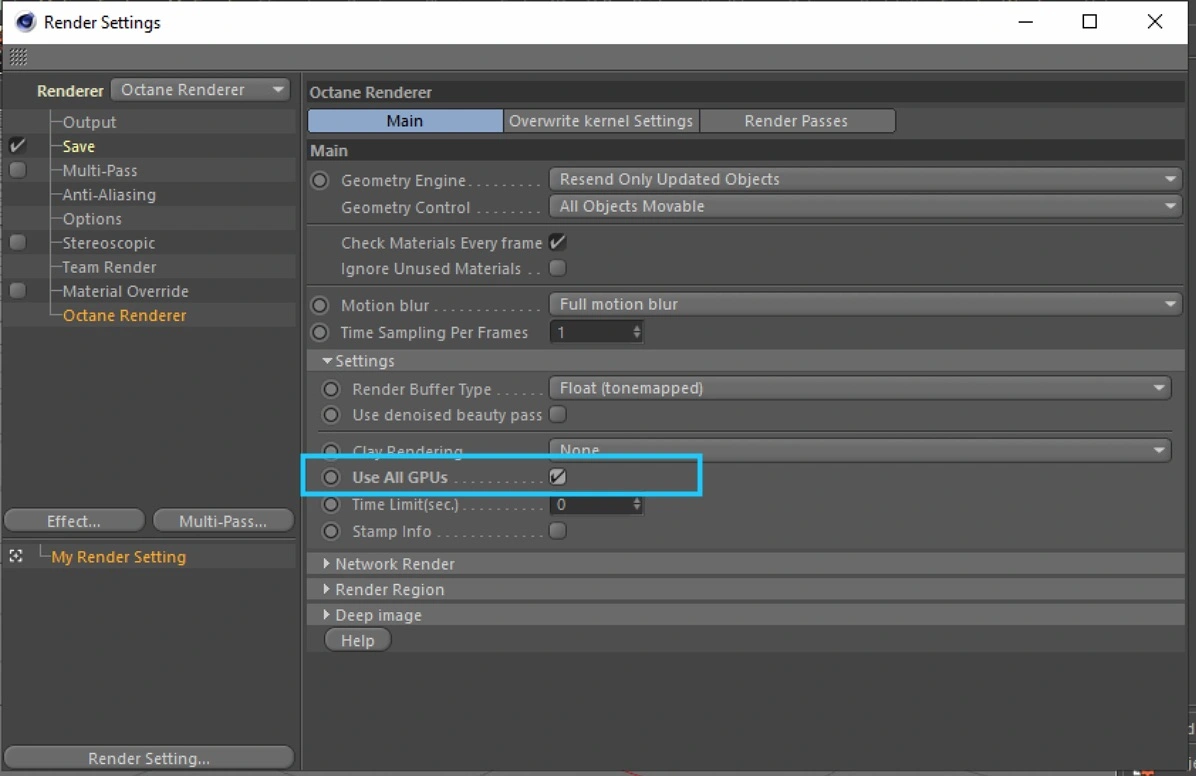
Enable the "All GPUs" option in Octane
GI rendering with the Standard or Physical renderer
How are render times estimated and charged?
How can I contact you?
How do I calculate the price for my job?
How do I find my Cinebench or OctaneBench score for the calculator?
How do I get a good cost estimate for my job?
How do I get an invoice?
How do I render a single image using tile rendering?
How do I render a single image with tile rendering?
How do I submit a Karma render job to the farm?
How do I submit a project to Drop & Render?
How do I submit a Redshift project to the render farm?
How do I uninstall the Cinema 4D plugin?
How does a Blender render farm work?
How does a Cinema 4D render farm work?
How does a Houdini render farm work?
How does automatic plugin detection work?
How does custom plugin versioning work?
How fast is Drop & Render and how many machines will work on my project?
How fast is the render farm and how many machines will work on my Blender project?
How fast is the render farm and how many machines will work on my Cinema 4D project?
How fast is the render farm and how many machines will work on my Houdini project?
How fast will my Karma project render on the farm?
How fast will my Octane project render on the farm?
How fast will my Redshift project render on the farm?
How is access to the datacenter controlled?
How is my data secured?
How much does it cost to render a Blender project on a render farm?
How much does it cost to render a Cinema 4D project on a render farm?
How much does it cost to render a Houdini project on a render farm?
How much does it cost to use a render farm?
How to render Octane render passes
How to set up your RealFlow cache
How to use Turbulence FD on the farm
I can't buy credits
I can't submit my job from the Cinema 4D plugin
I'm getting an error about absolute paths
I'm new to render farms. How do I get started?
Is Cryptomatte supported when rendering Octane on the farm?
Is my Blender project data safe and confidential when I use a render farm?
Is my Cinema 4D project data safe and confidential when I use a render farm?
Is my Houdini project data safe and confidential on the render farm?
Is my project data safe and confidential on a render farm?
Is my upload encrypted?
Is there a subscription fee or is it pay as you go?
My job is in an error state. What should I do?
My job is still queued — when will it start?
My job isn’t downloading; what can I do?
My project is stuck on "Caching Project Folder"
My render costs are higher than estimated
My VAT number isn't working
Octane output looks different from my local render
Redshift Proxy workflow
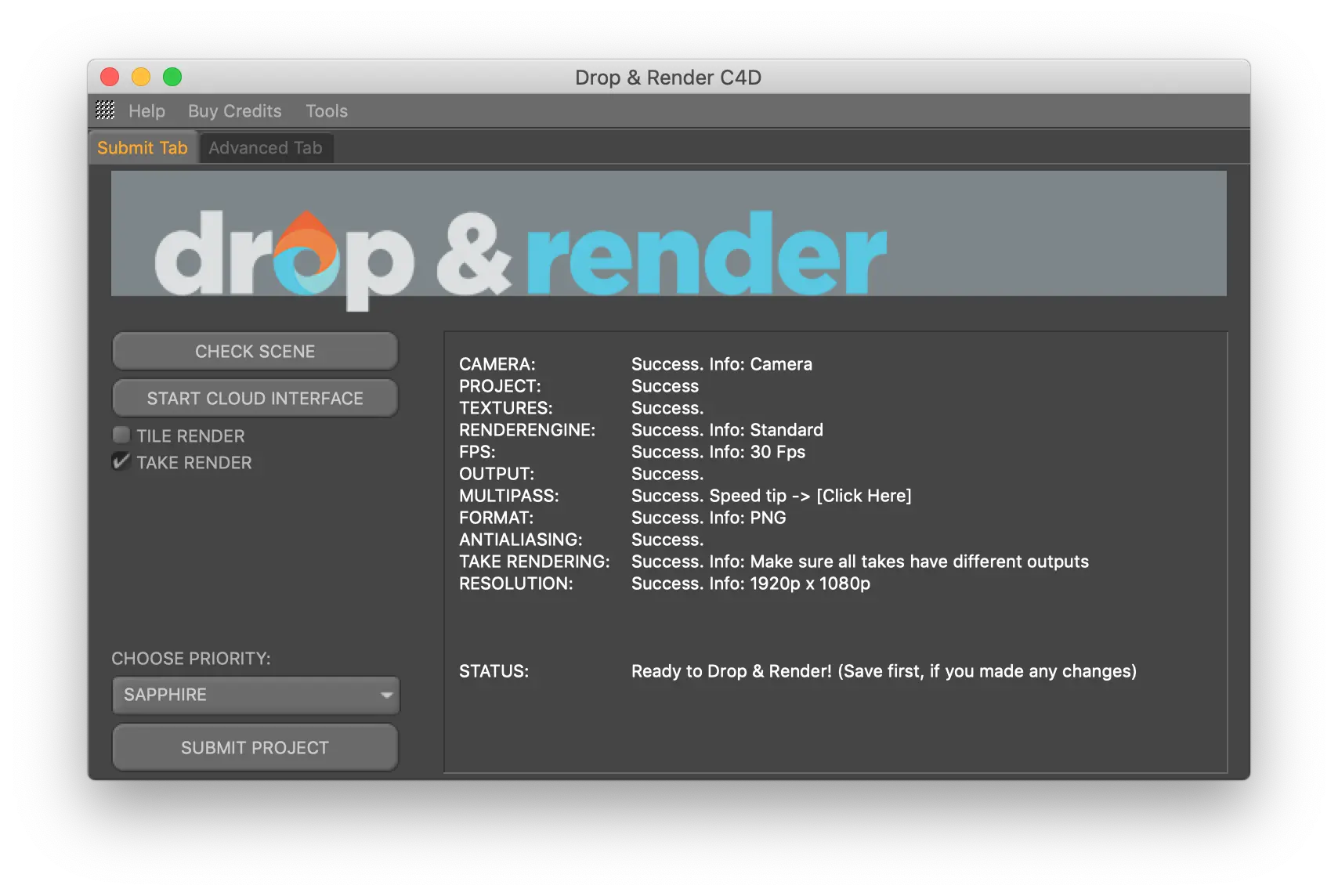
Rendering with the Take system
Rendering with X-Particles cache
Resubmit your job without re-uploading
Smart Upload System - no need to collect your files
The Drop & Render Link can’t connect to the render farm
Tips for saving time and credits
Upload your projects before starting the job
What add-ons do you support?
What drives the Drop & Render team?
What happens if my render costs more than I expected?
What happens to my files after rendering is done?
What hardware does Drop & Render use for Blender rendering?
What if there is an issue with the rendered frames from my Blender job?
What is a render farm and how does it work?
What is a render farm and how does it work?
What is the Smart Upload system?
What software do you support?
What third-party Blender add-ons are supported and which versions?
What third-party Cinema 4D plugins are supported and which versions?
What third-party plugin versions do you support?
What version of Arnold do you support?
What version of Octane do you support?
What version of Octane do you support?
What version of Redshift do you support?
What versions of Blender do you support?
What versions of Cinema 4D do you support?
When do I receive the €25 in free render credits?
When does it make sense to use a render farm instead of rendering locally?
When is the render farm available?
Where can I find my invoice?
Where is my Blender project data stored and is it GDPR compliant?
Where is my data stored?
Which 3D applications can I use with Octane on your render farm?
Which 3D applications can I use with Redshift on your render farm?
Which 3D software and render engines does Drop & Render support?
Which Blender render engines does Drop & Render support?
Which Cinema 4D render engines does Drop & Render support?
Which Houdini render engines does Drop & Render support?
Which Octane versions does Drop & Render support?
Which payment methods do you accept?
Which payment methods do you support?
Which priority level should I choose: Sapphire, Emerald, or Diamond?
Which Redshift versions does Drop & Render support?
Why are my render costs higher than estimated?
Need more help?
Pro Series
For more advanced tool usage, check out our video tutorials! They’ll help you streamline your workflow and save up to 30% on both credits and render times.
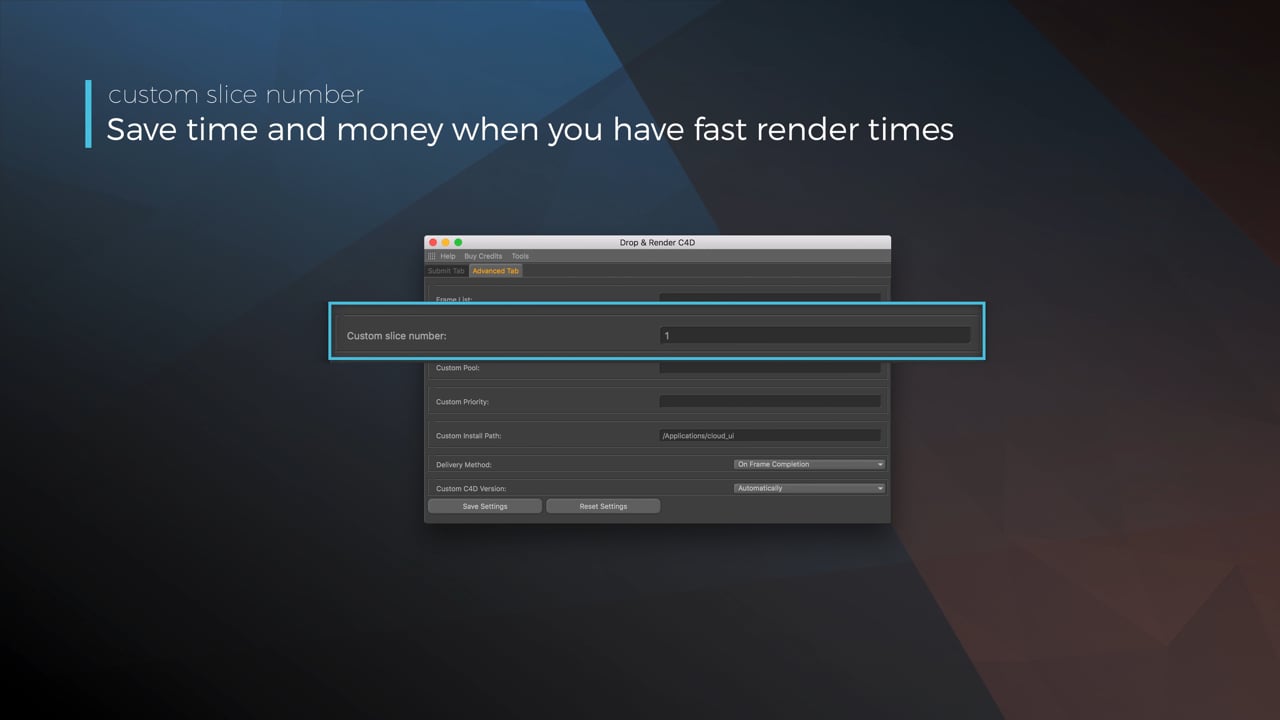
Optimize your render with a Custom Slice Number
Using a custom slice number lets one machine render multiple frames while only initializing your project once, saving up to 30% in both render times and costs. Works especially well on faster renders!
Understanding render priorities
Our priority system has three levels: Sapphire, Emerald and Diamond. The higher the priority, the faster new machines can start working on your projects!
Connect your entire office to Drop & Render
We offer a robust system for a team of artists to work together. You can monitor and download one another's work efficiently, all without having to disturb them!
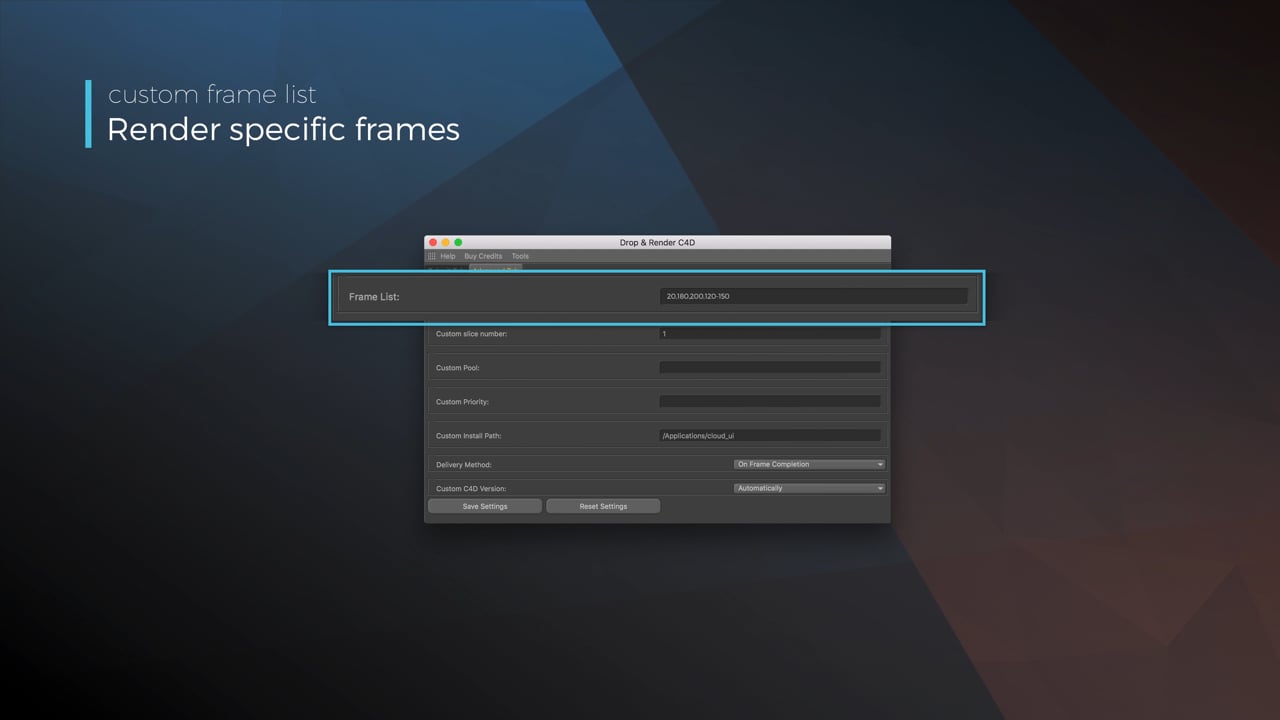
Submit a custom frame range to the farm
Only need to render a sequence of your project, or need to see a couple of specific frames? You can set custom frame lists from right within our plugin!
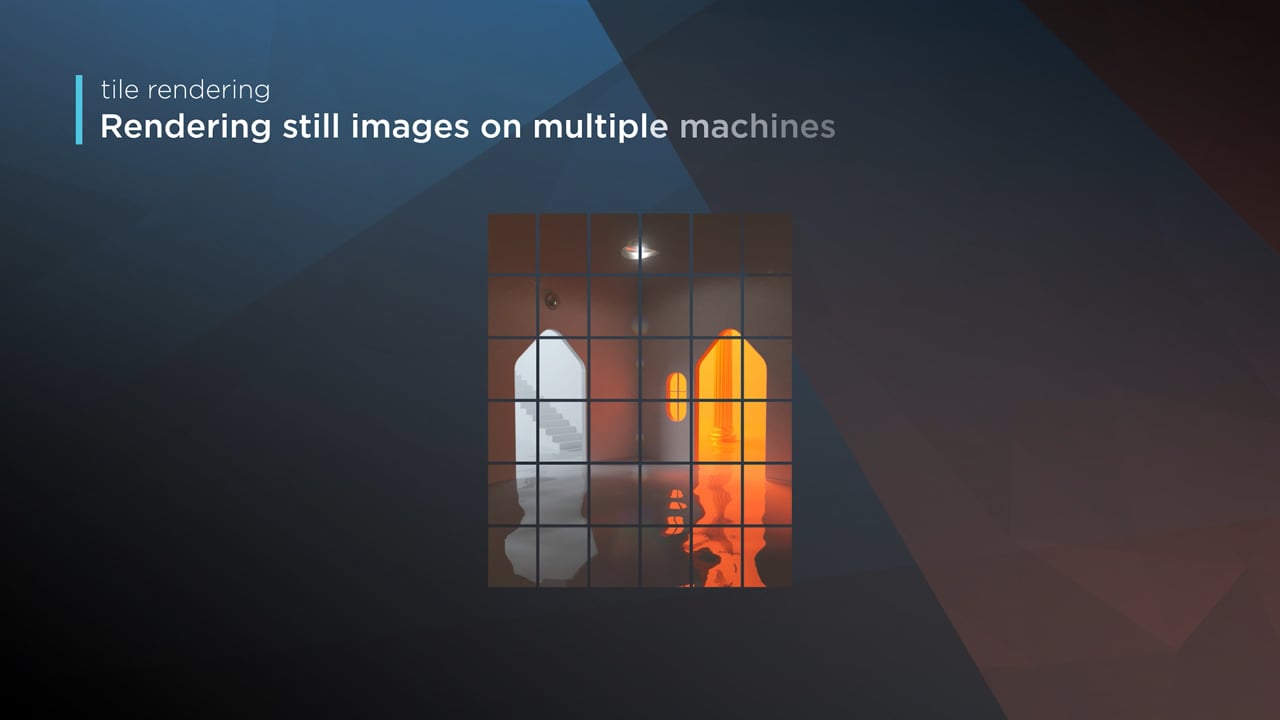
Render large still frames with Tile Rendering
Tile rendering splits a single frame amongst multiple machines, letting them work on it at the same time. Each tile is then seamlessly stitched back and delivered as a single frame!
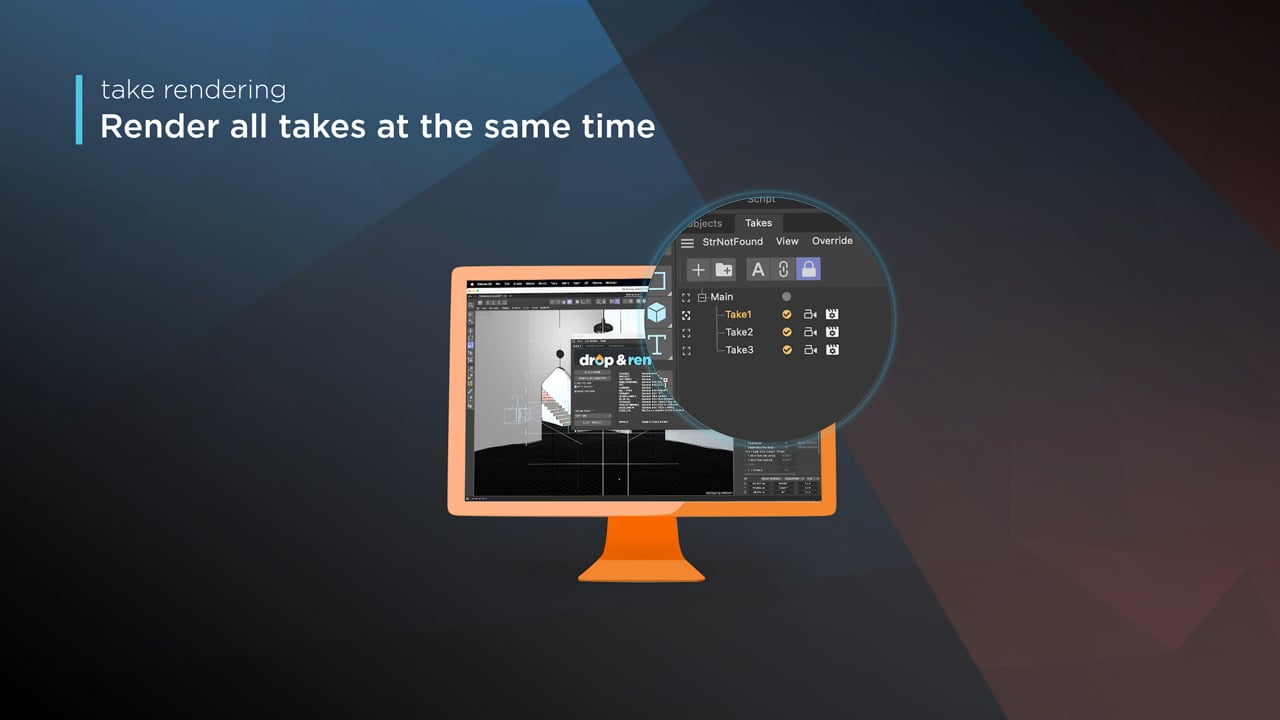
Cinema 4D Take Rendering support
Our farm includes native support for Cinema 4D's 'Takes' feature, letting you upload all your project's variations in a single click!
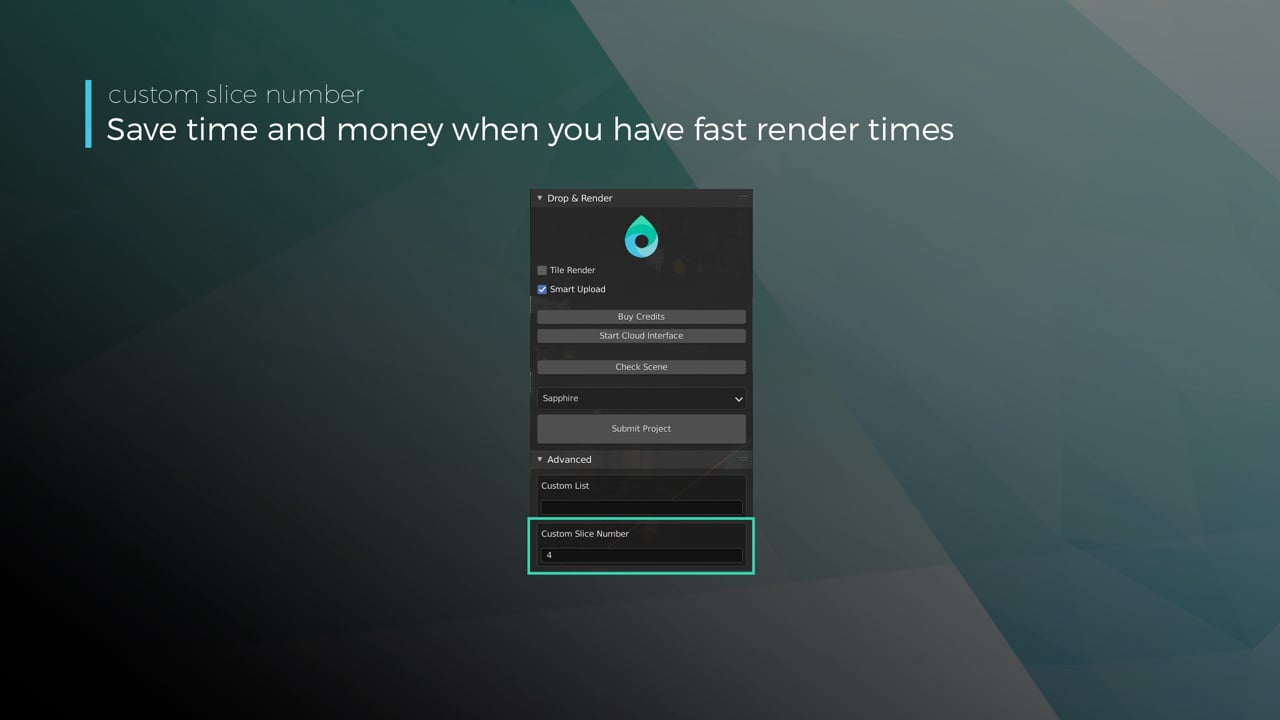
Optimize your render with a Custom Slice Number
Using a custom slice number lets one machine render multiple frames while only initializing your project once, saving up to 30% in both render times and costs. Works especially well on faster renders!
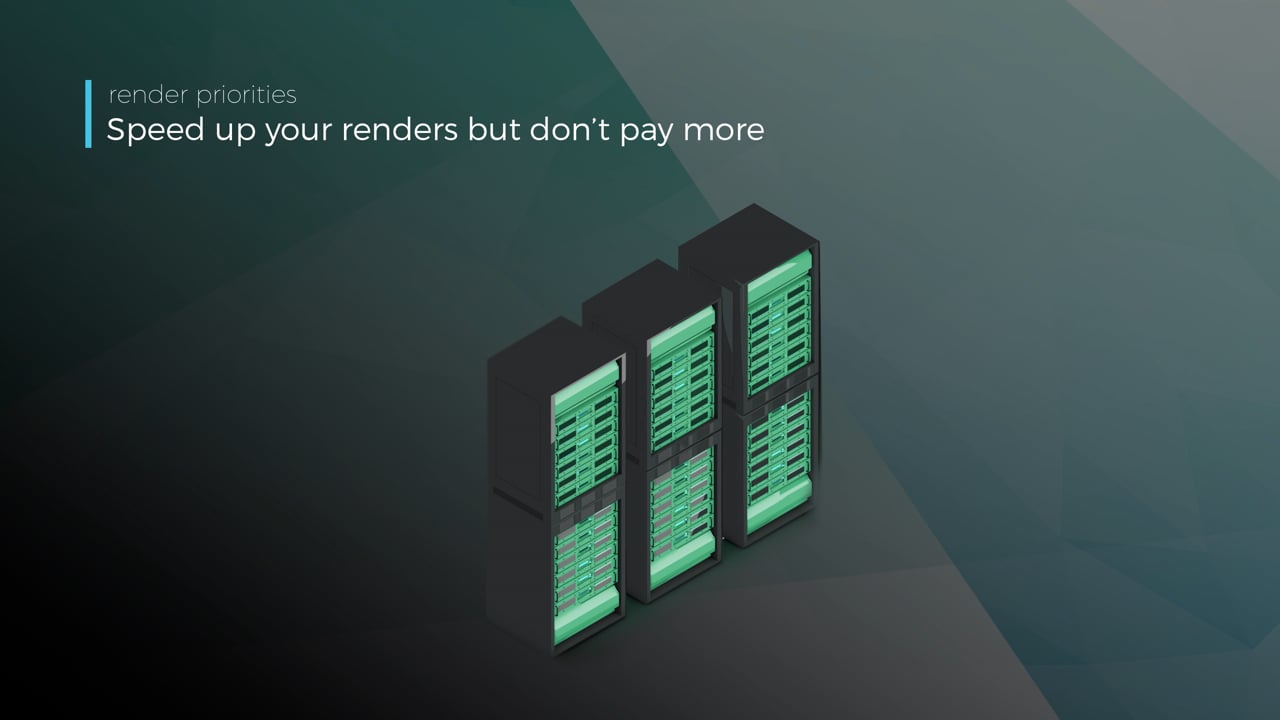
Understanding render priorities
Our priority system has three levels: Sapphire, Emerald and Diamond. The higher the priority, the faster new machines can start working on your projects!
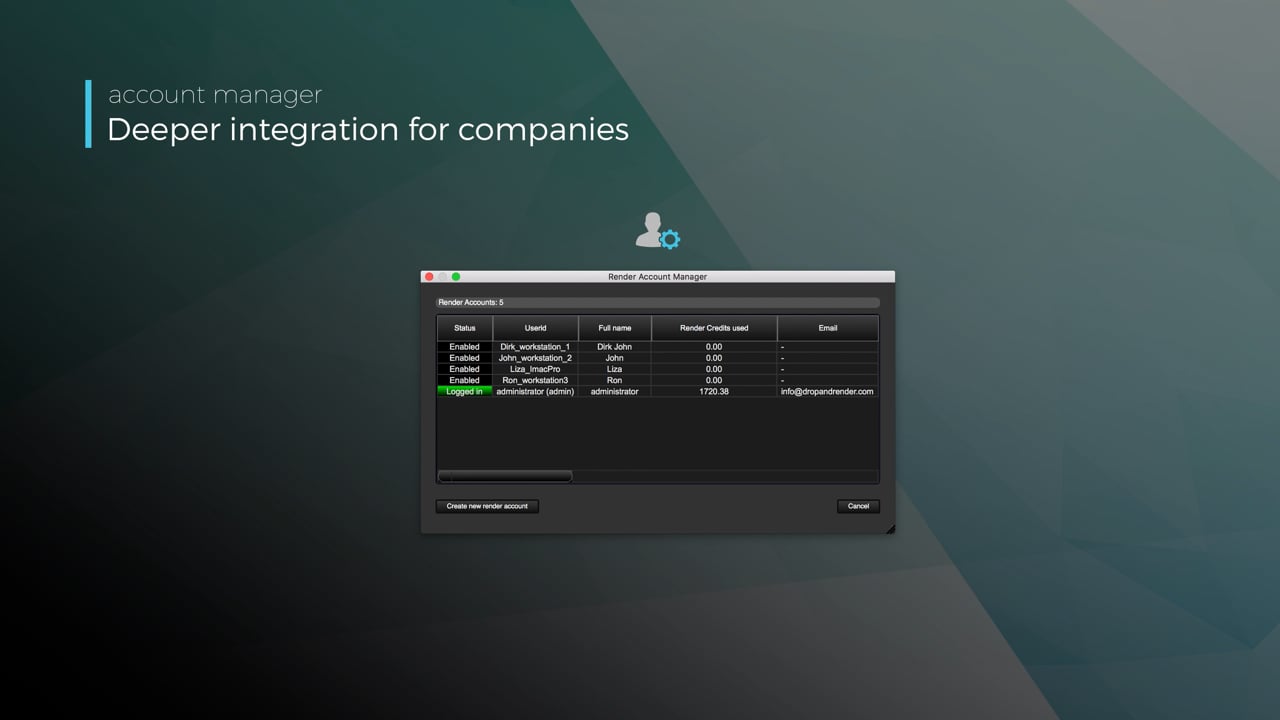
Connect your entire office to Drop & Render
We offer a robust system for a team of artists to work together. You can monitor and download one another's work efficiently, all without having to disturb them!
Submit a custom frame range to the farm
Only need to render a sequence of your project, or need to see a couple of specific frames? You can set custom frame lists from right within our plugin!
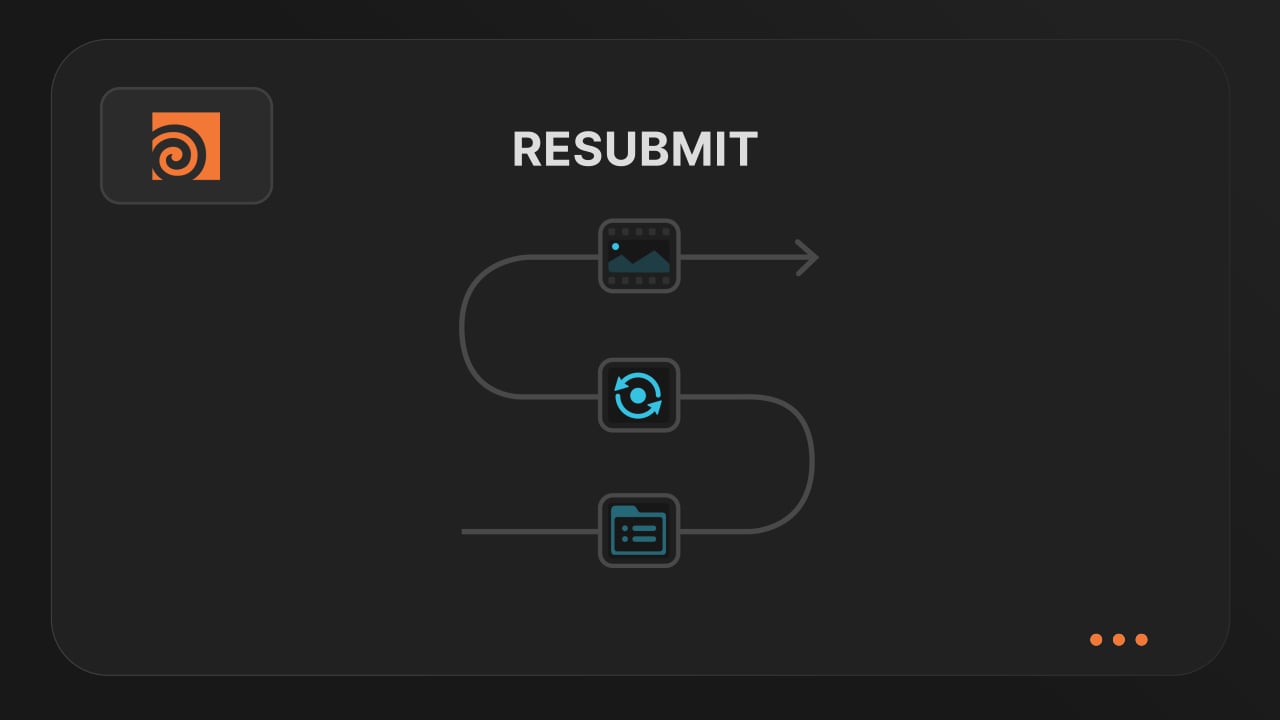
Resubmit workflow
Test a few frames first, then resubmit with updated settings straight from the dashboard. Drop & Render reuses caches and dependencies automatically, so you can focus on the final result.
Connect your entire office to Drop & Render
Invite teammates, assign roles, and keep everyone in sync. Share assets, download results, and work together on the same projects without missing a beat.
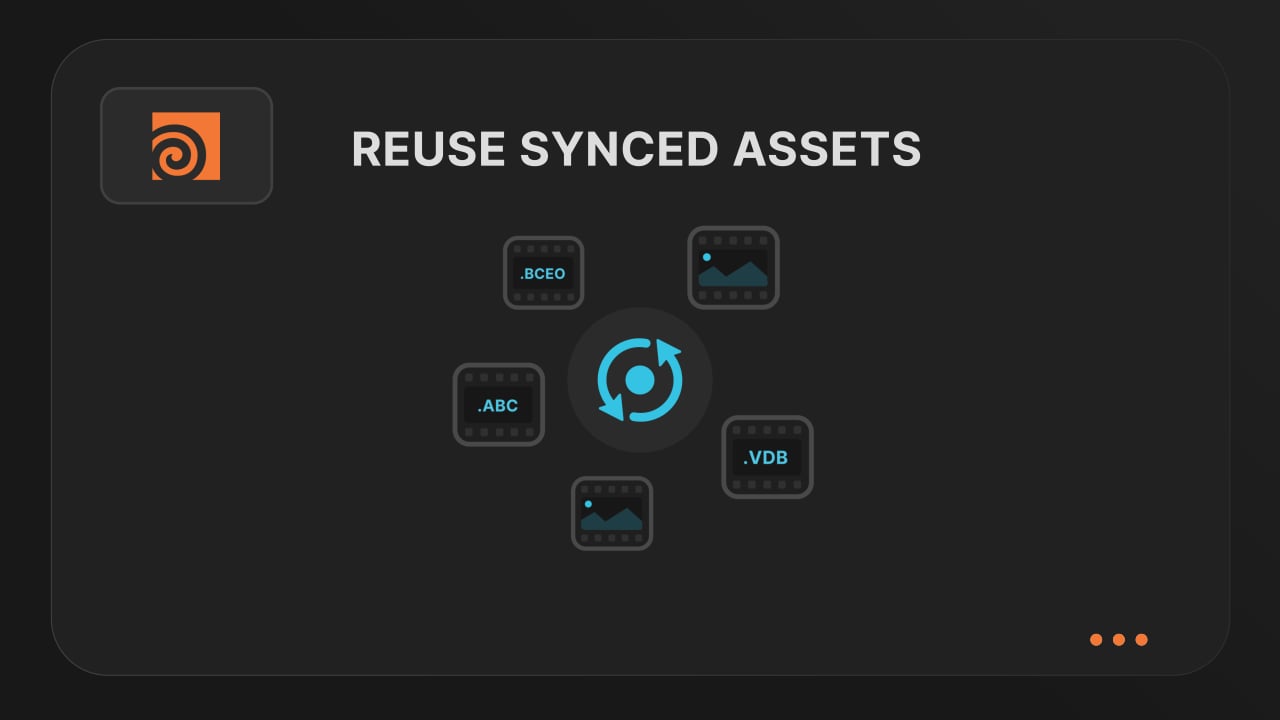
Save time & bandwith by reusing synced assets
Reuse large caches stored on our render farm without downloading them again. A powerful way to save time and bandwidth in your Houdini render workflow.
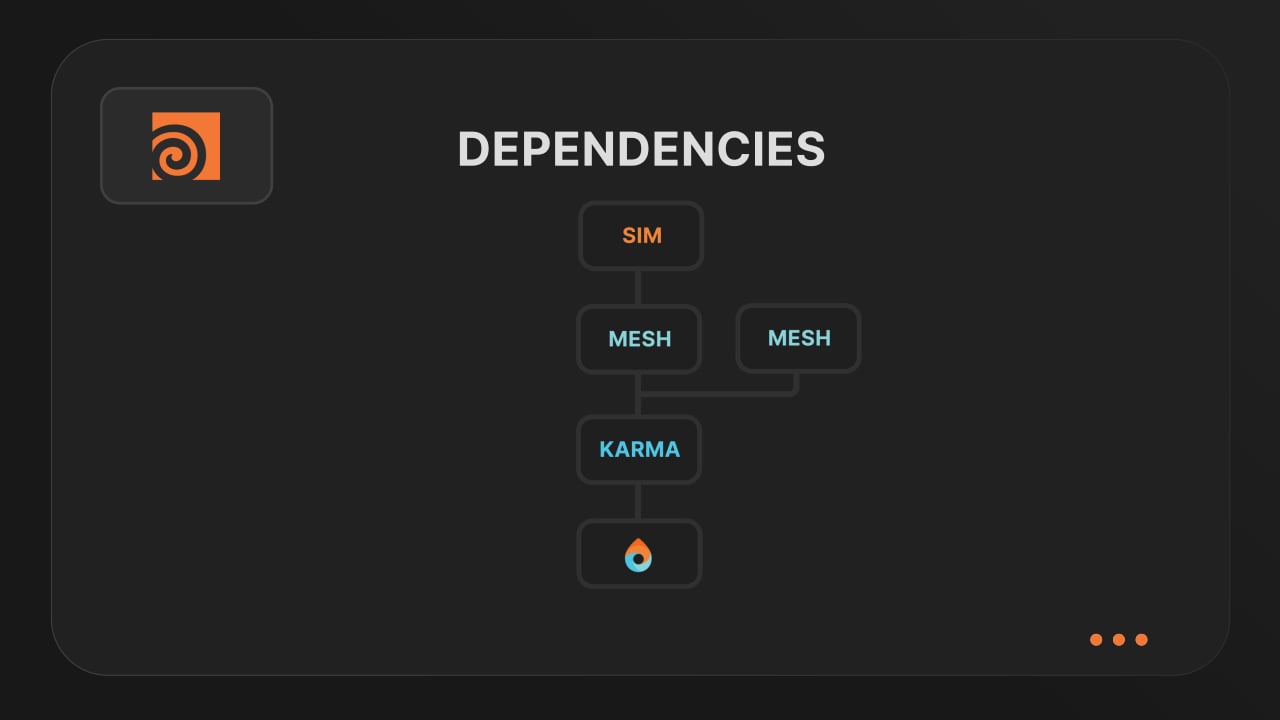
Understanding render dependencies
Chain your Houdini nodes the way you like and let Drop & Render handle the order. From parallel jobs to complex dependencies, the HDA adapts to your workflow so everything renders in the right order.
Customizing your global and per-render settings
Fine-tune your render jobs directly in the HDA. Set frame ranges, test specific frames, and assign priority so you get the results you want, when you need them.
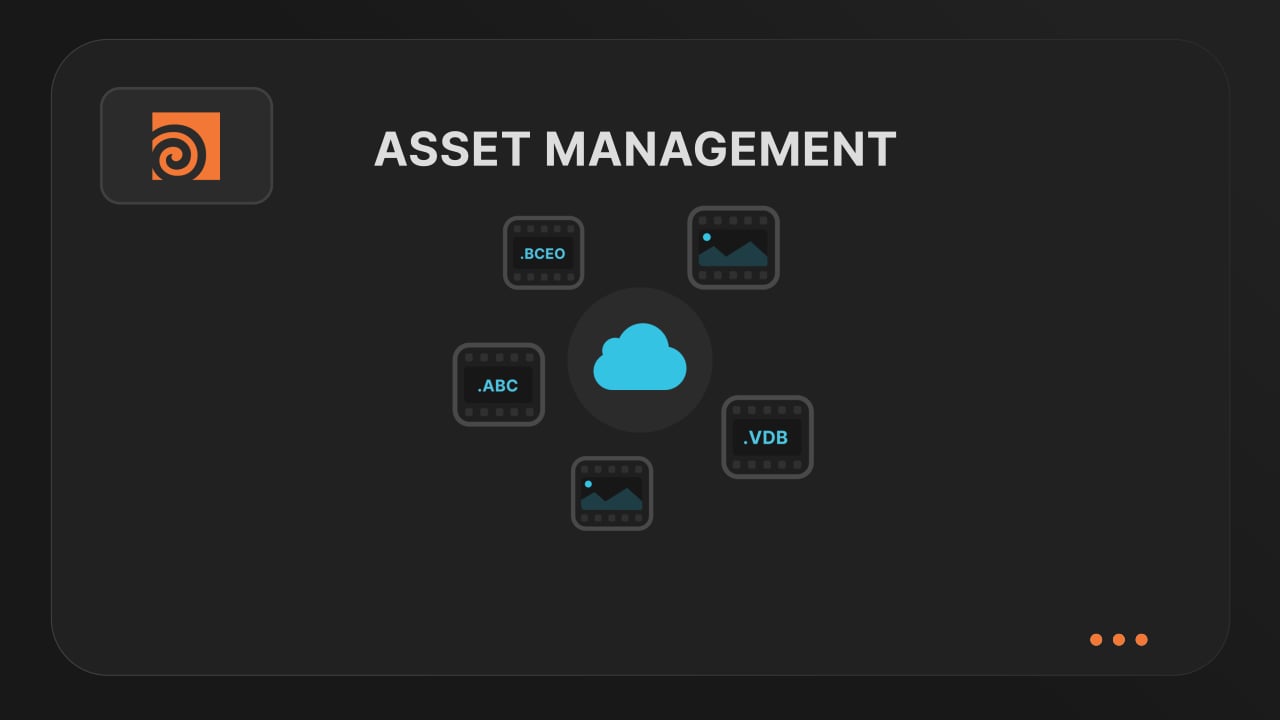
Understanding asset management
Our asset manager scans your scene and handles all path remapping automatically. Quickly add missing files, skip already-synced assets, and keep uploads fast and hassle-free.
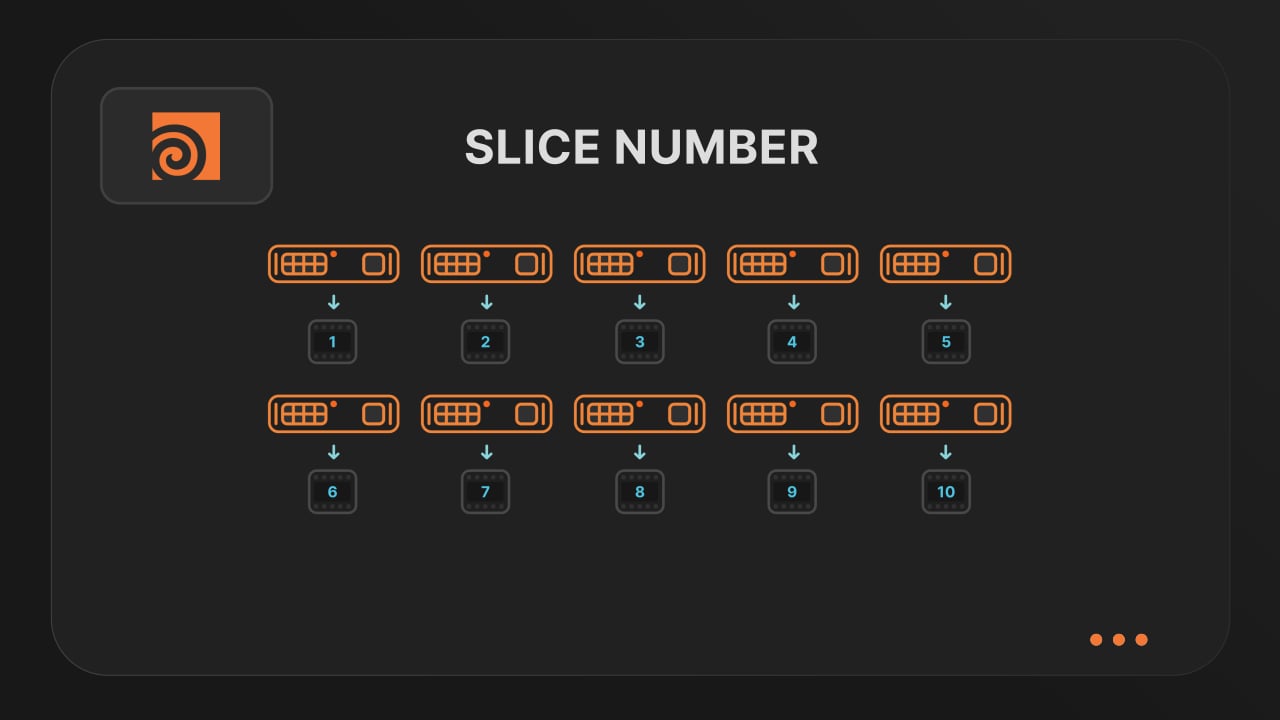
Optimize your render with a Custom Slice Number
Speed up rendering by setting the right slice value. Reduce overhead, save credits, and get more out of our Houdini render farm.
Cooking PDG projects
Drop & Render fully supports PDG workflows. Find out how to use TOP networks on our render farm.
We'll start you off with €25 credits!


Supported software
Company details
Confirm